
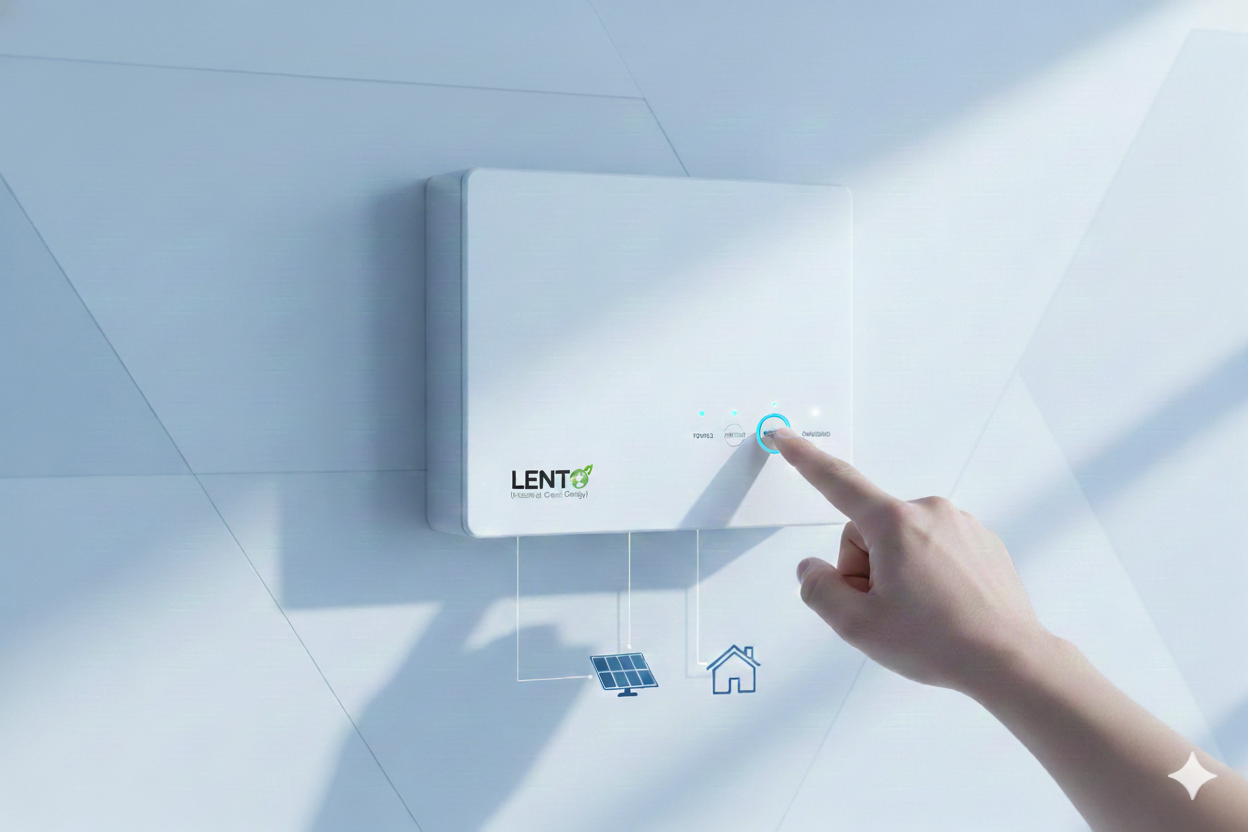
How to Reset an Inverter: A Step-by-Step Guide
29 November 2025
How to Reset an Inverter Safely: A Step-by-Step Troubleshooting Guide
Quick answer: To reset an inverter, switch it off, unplug all appliances, turn off the mains supply, disconnect the battery (negative cable first), wait 2–5 minutes, reconnect the battery (positive cable first), switch the supply back on, start the inverter, and add appliances back one by one. Solar and hybrid inverters have their own reset steps, so check your manual. If your inverter has an inbuilt lithium battery, don’t disconnect the battery yourself. Use the reset or power button instead.
If your inverter suddenly stops working, keeps beeping, shows an error, or gives no backup, resetting it is the first thing to try. Most small faults clear with a simple reset, so you don’t always need a technician. This guide explains how to reset new and old inverters step by step, why it may need one, which mistakes to avoid, and when to call for help. It applies to most home, solar, and hybrid inverters, including brands like Lento, Luminous, Microtek, Su-Kam, V-Guard, and Exide. If you’re still choosing a model, see our guide to the best inverter for home in India.
Why Does an Inverter Need a Reset?
Like a phone or Wi-Fi router, an inverter can get “confused” and need a fresh start. It handles battery charging, voltage fluctuations, and power conversion all at once, so it can overload or freeze. Common reasons for a reset include:
- The inverter is overloaded
- The battery level has dropped too low
- Voltage is fluctuating
- The inverter beeps continuously
- The display shows an error code
- A power surge or lightning strike has occurred
- The inverter switches off by itself
- It won’t start even after pressing the ON button
- Appliances were just connected or disconnected
- Battery wiring has become loose
Safety Precautions Before You Reset
You are working with electricity and a battery, so safety comes first.
- Keep your hands dry and wear rubber-soled footwear.
- Don’t reset if you smell burning or see smoke.
- Don’t touch open or damaged wires.
- Switch off the mains supply before touching any cable.
- Never let the two battery terminals touch each other or a metal tool.
- Keep children and pets away.
How to Reset an Inverter: Step-by-Step
These steps suit most lead-acid battery inverters. For solar, hybrid, and inbuilt lithium models, see the sections below.
Step 1: Switch Off the Inverter
Press the ON/OFF button to turn the inverter off completely. If it has no button, use the switch near the battery.
Step 2: Disconnect All Appliances
Unplug or switch off everything connected: fans, lights, TV, refrigerator, Wi-Fi, and chargers. If the inverter restarts with the load connected, it may overload again.
Step 3: Turn Off the Main Power Supply
At the switchboard, turn off the switch that feeds the inverter. You don’t need to cut power to the whole house, only the inverter line.
Step 4: Disconnect the Battery Terminals
This step does the actual reset. Disconnect the negative (black) cable first, then the positive (red). Keep both cables apart so they never touch.
Step 5: Wait 2–5 Minutes
This gives the internal electronics time to discharge and clear temporary errors.
Step 6: Reconnect the Battery
Reconnect the positive (red) cable first, then the negative (black). Make sure both terminals are tight, because loose cables are a common reason inverters stop working.
Step 7: Turn the Power Supply Back On
Switch the inverter line on at the switchboard.
Step 8: Switch On the Inverter
Press the power button. You should hear a normal beep and see normal display lights.
Step 9: Reconnect Appliances One by One
Plug devices back in gradually, not all at once, to avoid a sudden overload. If everything runs normally, the reset worked.
Using a pure sine wave inverter helps here, because it gives stable output and handles sensitive appliances more safely after a restart.
How to Reset Solar Inverters
Solar inverters differ by type, and models vary, so follow your manual if its steps differ.
On-Grid Solar Inverter
An on-grid solar inverter connects to your panels and the grid.
- Turn off the AC isolator.
- Turn off the DC isolator (solar input).
- Wait about 30 seconds.
- Turn on the DC isolator.
- Turn on the AC isolator.
- Restart from the inverter display or button.
Off-Grid Solar Inverter
An off-grid system uses batteries, so the process is similar to a home inverter. Turn the inverter off, disconnect the load, disconnect the battery and, if needed, the solar panel wires. Then reconnect the battery and switch on. See Lento’s PWM household solar inverter and MPPT wall-mountable solar inverter for examples.
Hybrid Solar Inverter
A hybrid solar inverter manages solar, grid, and battery together, and many have a reset option on the display.
- Turn off the AC output.
- Press and hold the RESET button for about 5–7 seconds, if your model has one.
- Restart the inverter.
- Reconnect the load.
Hybrid resets are usually the simplest because you rarely need to touch the wiring.
Resetting an Inverter with an Inbuilt Lithium Battery
With an inverter that has an inbuilt battery, don’t open the unit or disconnect the battery yourself. These systems have a battery management system (BMS) that protects the cells and handles most faults on its own. Switch the inverter off, remove the load, wait a few minutes, and switch it on again, or use the reset option in the manual. If the fault stays, contact support. See Lento’s sine wave inverter with inbuilt lithium battery and read about the inverter with inbuilt lithium battery for home.
Common Inverter Reset Mistakes to Avoid
- Resetting without disconnecting the battery, when your model needs it
- Resetting with appliances still connected
- Touching terminals with wet hands
- Connecting positive and negative cables the wrong way
- Ignoring a burning smell or smoke
- Pressing buttons repeatedly
- Letting terminals spark or touch
- Restarting the inverter while it is still overloaded
When Not to Reset an Inverter
Don’t reset the inverter, and call a technician instead, if you notice:
- A burning smell
- Sparks near the battery
- Melted or damaged wires
- Acid leaking from the battery
- Loud humming or buzzing
- A completely dead display
Troubleshooting: If the Reset Doesn’t Work
- Battery water level: low water in a tubular battery reduces backup. Top up with distilled water only.
- Battery voltage: very low voltage can stop the inverter from starting. Check the manual for the minimum voltage.
- Loose cables: tighten all terminals.
- Fuse: a blown fuse cuts power.
- MCB: the inverter’s breaker may have tripped.
- Overload: disconnect heavy appliances and try again.
- Input voltage: very low mains voltage can stop charging.
If none of these help, call a technician. A tired battery is also a common cause, so read about the best inverter with battery for home if yours needs replacing.
How to Avoid Frequent Resets
- Don’t exceed the inverter’s rated load.
- Keep terminals clean and tight.
- Place the inverter in a ventilated, dry spot.
- Service the battery regularly, or choose a low-maintenance option. A lithium inverter for home needs far less upkeep, and you can compare an inverter with lithium ion battery for home before upgrading.
- Choose a reliable brand. See our guide to the top 10 inverter brands in India.
Why Lento Inverters Are Easier to Maintain
Lento Industries Private Limited makes on-grid, off-grid, hybrid, wall-mounted, inbuilt lithium, and pure sine wave inverters, exported to 24+ countries including Nigeria, Uganda, Yemen, and Afghanistan. Many Lento models include overload protection and battery management features, which helps reduce faults and makes troubleshooting simpler. Check your model’s manual for its exact reset steps.
Explore Lento models:
Final Thoughts
Knowing how to reset an inverter is a simple skill that fixes overload errors, beeping, and display glitches without a technician. Follow the safety steps, disconnect the battery in the right order, and reconnect appliances gradually. Skip the reset and call a professional if you notice burning smells, sparks, or leaking batteries. A good-quality inverter means fewer breakdowns, so browse the Lento range for your home, solar, or industrial needs.
Frequently Asked Questions
1. How to fix a tripped inverter?
Switch off the connected appliances and check the overload, battery connections and input supply. Restart the inverter after resolving the issue; contact a technician if the fault persists.
2. How to reset a Must inverter?
Switch off the inverter, check the user manual for the model-specific reset procedure, and restart it. Resolve any overload or battery fault before resetting.
3. What is the use of a reset button in an inverter?
A reset button helps restart the inverter’s control system after certain temporary errors. It does not fix underlying problems such as a faulty battery, overload or damaged components.
4. How do I reset my inverter?
Switch off connected appliances and follow the reset instructions in your inverter’s manual. Turn the inverter back on once the cause of the fault has been addressed.
5. How do I reset my inverter AC?
If you mean an air conditioner connected to an inverter, switch it off, isolate its power supply according to the manufacturer’s instructions, wait briefly and restart it. If you mean an inverter air conditioner’s internal reset, check its manual.
6. Why is my inverter not working?
Common causes include a discharged or faulty battery, loose connections, overload, a blown fuse, input power problems or an internal fault. Check the indicator lights and error code to identify the likely issue.
7. How to reset a battery inverter?
Switch off the inverter and connected loads, then check the battery charge and connections. Follow the model-specific reset procedure and restart the system; never disconnect battery wiring while the inverter is powered.
8. What is the main cause of inverter failure?
Common causes include battery failure, overheating, overloading, poor electrical connections, voltage fluctuations and component damage. Regular maintenance and operating the inverter within its rated capacity can help prevent faults.
Read More
- Best Inverter for Home in India
- Best Inverter with Lithium Ion Battery for Home in India
- Best Lithium Inverter for Home
- Inverter with Inbuilt Lithium Battery for Home
- Best Inverter with Battery for Home
- Best Solar Inverter with Lithium Battery
- Lithium Inverter for Home
- Lithium Inverter with Battery
- Best Inverter with Li-Ion Battery in India