
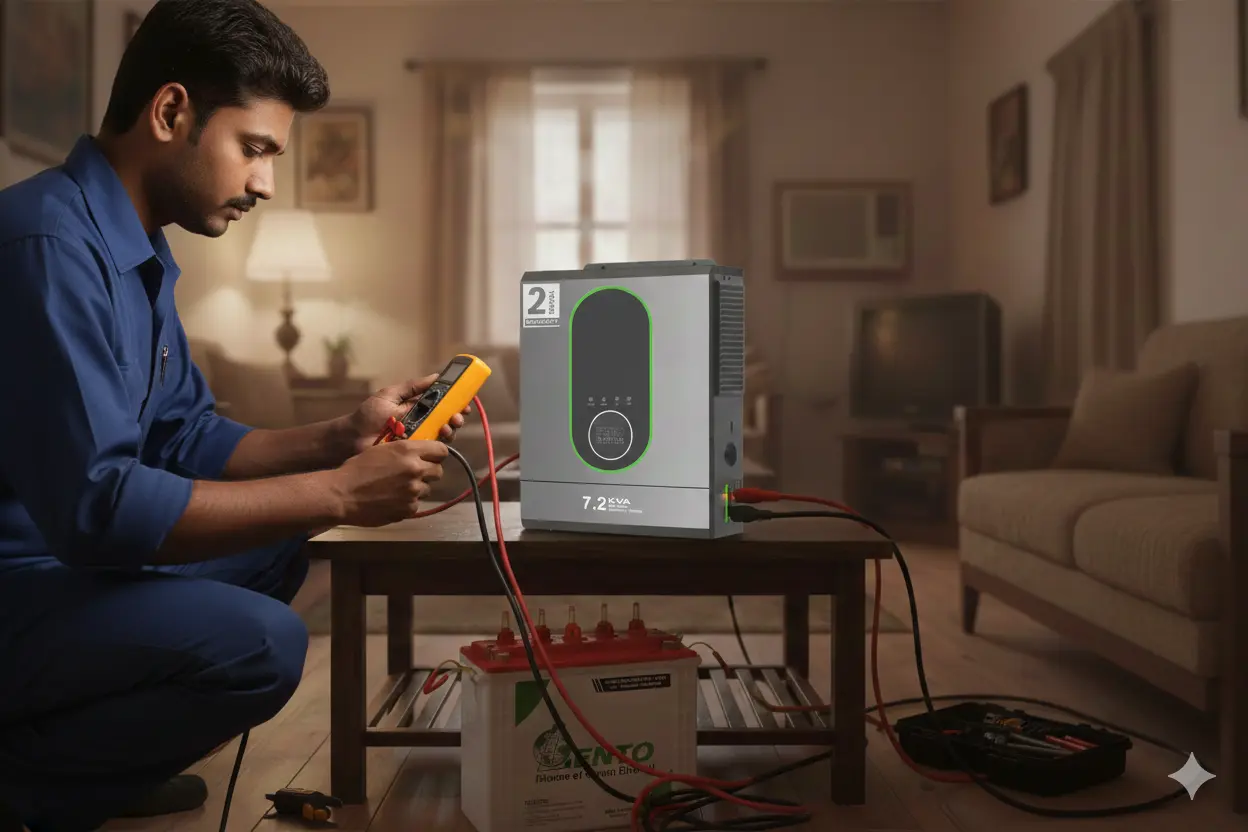
4 Most Common Inverter Problems and Solutions: A Simple Troubleshooting Guide
02 December 2025
The 4 most common inverter problems are no output, battery not charging, overload shutdown, and overheating or strange sounds. Most of them can be fixed with basic inverter troubleshooting: check the MCB, tighten and clean the battery terminals, remove faulty loads, and clean the vents. If the inverter still shows error codes, a burning smell, or an internal fault, get professional inverter repair
If you’ve ever had a power cut, switched on your inverter, and found it not working the way it should, you’re not alone. Almost every household and shop faces inverter problems at some point, and they always seem to appear when you need backup the most.
The good news is that most inverter issues are not complicated. With some awareness and basic inverter troubleshooting, you can fix many common inverter faults yourself without calling a technician.
This guide covers the inverter common problems that affect homes and shops, why they happen, and the inverter fault solutions that work. It also explains inverter error codes, basic inverter fault finding, and when to go for inverter fault repair.
Common Inverter Faults at a Glance
| Problem | Most likely cause | Quick fix |
|---|---|---|
| Inverter on but no output | Tripped MCB, blown fuse, low battery, wrong mode | Reset MCB, check terminals, restart without load |
| Battery not charging | Low input voltage, loose terminals, old battery | Clean and tighten terminals, change charging mode |
| Overload beeping and shutdown | Too many or faulty appliances | Remove loads, reconnect one by one |
| Strange sounds, smell, heating | Dust, poor ventilation, faulty fan or PCB | Switch off, clean vents, call a technician |
Understanding Inverter Error Codes and Warning Lights
Most modern inverters show inverter errors through a red light, a blinking pattern, a display code, or a beeping alarm. These inverter fault codes vary by brand and model. Always check your manual to match a code with its meaning. For a full guide on warning lights, read why your inverter is showing a red light.
1. Inverter Turns On but There Is No Output
This is one of the most frustrating home inverter problems. The inverter glows, the beeping stops, everything looks normal, but your fan won’t spin and the lights stay off.
Usually the inverter is working internally, but something blocks power from reaching your load. It may be a wiring issue, a weak battery, or protection mode.
Common causes of this inverter failure:
- The MCB is tripped, which happens more often than people realise
- The output socket is loose or damaged
- Battery voltage is too low even though the inverter looks “ON”
- An internal fuse is blown, which protects the inverter but cuts the output
- The wrong mode is selected, such as bypass, eco, or UPS mode
Inverter problems and solutions:
- Reset the MCB.
- Inspect the wires and output sockets.
- Make sure battery terminals are tight and clean.
- Disconnect the load and restart the inverter. A fresh reboot often clears protection-mode faults.
- If the output fuse is blown, call a technician unless you know how to replace fuses safely.
2. Battery Not Charging Properly or Charging Too Slowly
This inverter fault shows up during long power cuts. The inverter runs, but when electricity returns, the battery charges slowly or not at all.
It is more common in areas with fluctuating voltage or outdated wiring. Your inverter needs a minimum input voltage to start charging, and anything below it will not trigger charging mode. Another common cause is sulfation inside the battery, which restricts charging over time.
Why it happens:
- Loose battery wires or corroded terminals
- Faulty charging fuse inside the inverter
- Old or sulphated battery plates
- Input voltage too low to trigger charging
- Wrong charging mode selected
- Ageing inverter PCB
Inverter fault solutions:
- Check water levels in flooded batteries.
- Clean terminals with warm water and baking soda, then tighten the connections.
- Restart the inverter.
- Switch the charging mode, for example from “Eco” to “UPS” or from “Normal” to “High Charging”.
- If the battery is 3–5 years old, it may simply be losing its ability to accept charge.
For related guides, read how long an inverter battery lasts and the best inverter battery for home. If you use a solar system, learn which type of solar inverter is right for you.
3. Overload Problem: Inverter Keeps Beeping and Shutting Down
You switch on the inverter, it runs a few minutes, then beeps loudly and shuts off. This is the classic overload protection kicking in, and it is one of the most common inverter faults.
But overload does not always mean too many appliances. A single faulty appliance can trick the inverter into thinking it is overloaded.
Why overload happens:
- Too many appliances connected at once
- High-watt devices such as irons, blowers, kettles, or pumps
- A faulty fan capacitor or wiring leaking current
- An internal short circuit in an appliance
- A battery too weak to support the load
Inverter troubleshooting steps:
- Remove all appliances.
- Reconnect them one by one to find the faulty device.
- Keep high-power appliances off the inverter entirely.
- If overload happens even with a very light load, the internal relay or PCB may be damaged. This needs inverter repair by a technician.
If your capacity is the problem, read our power inverter buying guide and learn how many 200Ah batteries a 3kVA inverter needs.
4. Inverter Making Strange Sounds, Smell, or Heating Up
Buzzing, hissing, a burning smell, or extra heat should be taken seriously. Modern inverters are designed to run cool and quiet. When that changes, it signals internal stress and a possible inverter failure.
Why this happens:
- Fan not working or clogged with dust
- Loose internal components vibrating
- Overcharging due to a faulty PCB
- Poor ventilation
- Insects or mosquitoes inside the inverter
Inverter fault repair and fixes:
- Switch off the inverter and check airflow.
- Clean the vents and leave at least 6 inches of space on all sides.
- If the sound comes from inside, or you smell burning, switch it off and call a technician at once.
Overheating can permanently damage internal circuits if ignored.
Inverter Maintenance: Small Steps Before Big Repairs
Regular inverter maintenance prevents most inverter issues. Before calling for inverter repair, run through this checklist:
- Check the battery water level
- Tighten all terminals
- Restart the inverter
- Inspect the MCB and output sockets
- Clean dust and ensure ventilation
- Disconnect all loads and test again
These simple steps solve almost 50% of common inverter problems. For more on care routines, read our battery maintenance guide and the tubular battery guide.
When to Repair and When to Replace
If your inverter is 5+ years old, or if the battery is ageing, repair costs may not be worth it. Replacement is often the better decision. Look at the best inverter for home use or a space-saving wall-mounted inverter when you upgrade.
FAQs: Inverter Problems and Solutions
1. What are the common inverter problems?
Common inverter problems include battery not charging, low battery backup, continuous beeping, red warning lights, overload errors, overheating, and inverter failure. These issues may result from a weak battery, loose connections, excessive load, or a faulty charging circuit. Check the user manual and warning indicators to identify the cause.
2. What is a 15 fault in an inverter?
A Fault 15 error does not have a universal meaning across all inverters. Its meaning depends on the brand and model. Check the inverter's user manual or fault-code list to identify the problem. If you share the inverter brand and model, you can find the specific meaning and recommended solution.
3. What are the three main types of inverters?
The three common inverter categories based on output waveform are:
-
Square wave inverter: A basic design generally suited to simple, compatible loads.
-
Modified sine wave inverter: Suitable for many everyday appliances, but not ideal for every electronic device or motor.
-
Pure sine wave inverter: Produces a smoother AC waveform and is generally suitable for sensitive electronics and a wider range of household appliances.
Inverters can also be classified by application, such as solar, off-grid, grid-tied, and hybrid inverters.
4. How do you solve an inverter problem?
Start by checking the power supply, battery charge level, connected load, and warning indicators. Switch off unnecessary appliances if an overload warning appears. Ensure the inverter has adequate ventilation and inspect accessible connections for visible damage. Follow the manufacturer's reset procedure if appropriate. If the fault continues, contact a qualified technician.
5. How do you test a faulty inverter?
You can begin with these basic checks:
-
Check whether the input power supply is available.
-
Look at the battery indicator and charging status.
-
Disconnect non-essential appliances to rule out an overload.
-
Check the display for error codes or warning lights.
-
Test the backup performance with a suitable load, following the manufacturer's instructions.
Electrical output, battery voltage, and internal components should be tested by a qualified technician using appropriate equipment. Never open the inverter while it is connected to a power source.
6. What are the solutions for inverter battery low problems?
If your inverter shows a low-battery warning, check whether the battery is fully charged and whether the charging supply is working. Reduce the connected load to extend backup time. Inspect accessible battery connections for looseness or corrosion, and check the battery's age and condition. If the warning remains after charging, the battery may be weak or the charging circuit may need servicing. For lithium batteries, also check for a BMS warning or protection shutdown according to the manufacturer's instructions.
Conclusion
Most inverter problems are simple to solve with careful inverter troubleshooting. Start with the basics: MCB, terminals, load, ventilation, and battery. Learn what your inverter fault codes mean, keep up regular inverter maintenance, and call a technician for internal inverter faults or burning smells. When repair costs rise on an old unit, a new inverter is usually the smarter investment.
Read More
- Why Is My Inverter Showing a Red Light? Common Causes and Solutions
- How Long Does an Inverter Battery Last? A Guide
- Best Inverter Battery for Home in India
- Difference Between Tubular Battery and Normal Battery
- What Is a Tubular Battery?
- How Many 200Ah Batteries Do You Need for a 3kVA Inverter?
- Power Inverter for Home: Complete Buying Guide
- Best Inverter for Home Use