
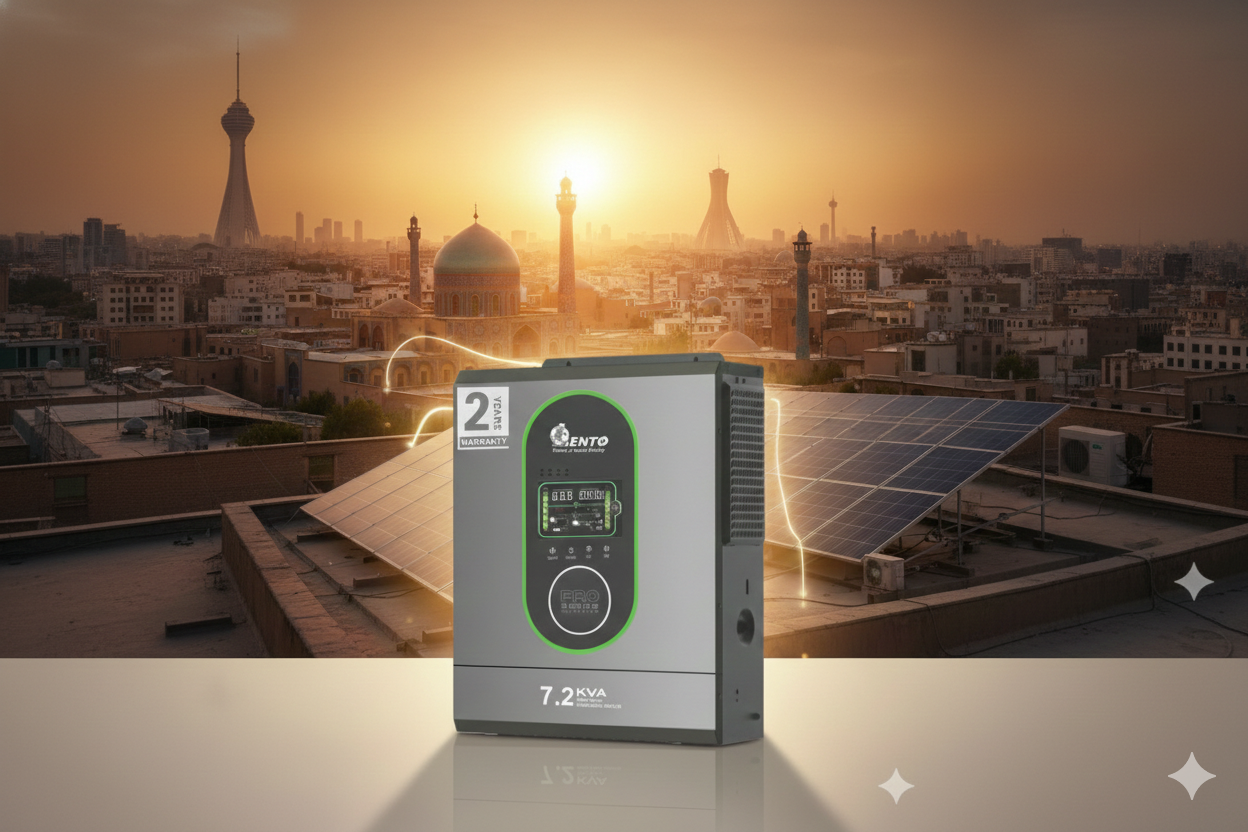
What is the Cause of Beep Sound in UPS Systems?
04 December 2025
If you’ve ever heard a persistent beep from your UPS, you might have been startled or worried. As a solar products manufacturer, I encounter this question frequently from homeowners and business owners. Understanding why your UPS beeps is crucial because it’s not just a noise—it’s a signal. Knowing the cause helps you take the right action to protect your devices and extend the life of your UPS.
As an online UPS manufacturer, online UPS supplier, and online UPS trader, I want to guide you through the common reasons for these beeps, how to interpret them, and what actions to take to ensure uninterrupted and safe power backup.
Understanding UPS Beep Sounds
UPS systems are designed to alert users whenever there’s an issue. The beep is a warning mechanism, not a fault in itself. The pattern and frequency of the beep often indicate the type of issue.
1. Why UPS Beeps
At its core, a UPS monitors:
-
Input voltage from the main supply
-
Output voltage to connected devices
-
Battery charge and health
-
Load capacity and system temperature
When any of these parameters deviate from safe limits, the UPS emits a beep to alert you.
2. Types of Beeps
Most UPS systems use audible signals in the following ways:
-
Single Beep: Typically indicates normal switching between mains and battery supply.
-
Continuous Beep: Usually signals a low battery or overload.
-
Intermittent Beep: Can indicate a charging issue or minor fault.
As an online UPS manufacturer, we design our products to use these signals effectively to communicate system status clearly.
Common Causes of Beep Sounds in UPS
Understanding the root cause helps in taking timely action. Here are the most common reasons:
1. Low Battery Warning
When the UPS battery is low, a continuous beep alerts the user. This is very common in:
-
Long power outages where the battery is nearly drained
-
Old batteries that have lost capacity
-
Overloaded systems drawing more current than usual
Solution: Recharge the battery fully or consider replacing it if it’s aged.
2. Overload
If the connected devices draw more power than the UPS can handle, it beeps continuously.
-
Check the total load on your UPS (in VA or kVA).
-
Reduce non-essential devices or upgrade to a higher-capacity UPS.
3. Battery Not Connected or Faulty
A UPS will beep if it cannot detect a battery, or if the battery is damaged.
-
Inspect connections and ensure batteries are securely connected.
-
Replace faulty batteries to restore normal operation.
4. High/Low Input Voltage
Voltage fluctuations in the mains supply can trigger beeps:
-
High voltage: Can damage connected devices
-
Low voltage: Causes the UPS to switch to battery mode
A quality online UPS protects against these fluctuations and alerts you to unsafe conditions.
5. UPS Internal Fault
Sometimes, beeping signals an internal fault like:
-
Circuit failure
-
Sensor malfunction
-
Overheating
In such cases, contact your online UPS supplier or service center to avoid further damage.
Interpreting Beep Patterns
Different UPS brands use slightly different beep patterns. Here’s a general guide:
| Beep Pattern | Meaning | Action |
|---|---|---|
| Single beep at startup | UPS is switching to battery mode | Normal, no action needed |
| Continuous beep | Low battery or overload | Reduce load or charge battery |
| Intermittent beeps | Minor fault, charging issue, or battery aging | Check battery health, reduce load |
| Beep with blinking lights | Internal fault or overheating | Contact service provider |
As an online UPS trader, I always recommend educating users about these signals to prevent unnecessary panic.
Tips to Avoid Beep Sounds
While some beeps are inevitable, you can minimize unnecessary alerts with proper practices:
1. Proper Load Management
-
Avoid connecting devices exceeding UPS capacity
-
Prioritize critical equipment
2. Battery Maintenance
-
Regularly check tubular or lithium-ion battery health
-
Maintain electrolyte levels for tubular batteries
-
Replace old batteries promptly
3. UPS Placement
-
Keep UPS in a ventilated area
-
Avoid exposure to heat and humidity
4. Professional Inspection
-
Periodic check-ups by certified technicians ensure longevity
-
Use UPS systems supplied by reputed online UPS manufacturers and suppliers
Why Choose a Quality Online UPS
As a solar products manufacturer and online UPS supplier, I can confidently say that investing in a high-quality UPS reduces unnecessary beeps and extends system life. Features of good UPS systems include:
-
Smart battery management
-
Automatic voltage regulation
-
Overload protection
-
Clear audible and visual alerts
When sourcing a UPS, consider a trusted online UPS manufacturer, supplier, or trader to ensure reliability and performance.
Practical Scenario
Imagine a small office using a 3 kVA UPS:
-
Connected load: 2 kW (computers, lights)
-
UPS beeps during a short power cut
Diagnosis: Likely low battery or minor overload. Solution: Recharge batteries fully, remove unnecessary devices, or upgrade to a higher-capacity UPS.
Proper understanding prevents panic and ensures smooth operation.
Conclusion
Beep sounds in UPS systems are alerts, not alarms. They indicate low battery, overload, voltage fluctuations, or minor faults. Understanding the meaning of these beeps helps you take timely action, protect connected devices, and extend UPS and battery lifespan.
As a solar products manufacturer, we provide complete solutions including tubular batteries, solar inverters, online UPS systems, EV chargers, lithium-ion batteries, and more. We are trusted suppliers, exporters, and traders for homes, offices, and businesses.
Become our distributor in your country
If you are a retailer, installer, or business owner, partnering with us